top of page


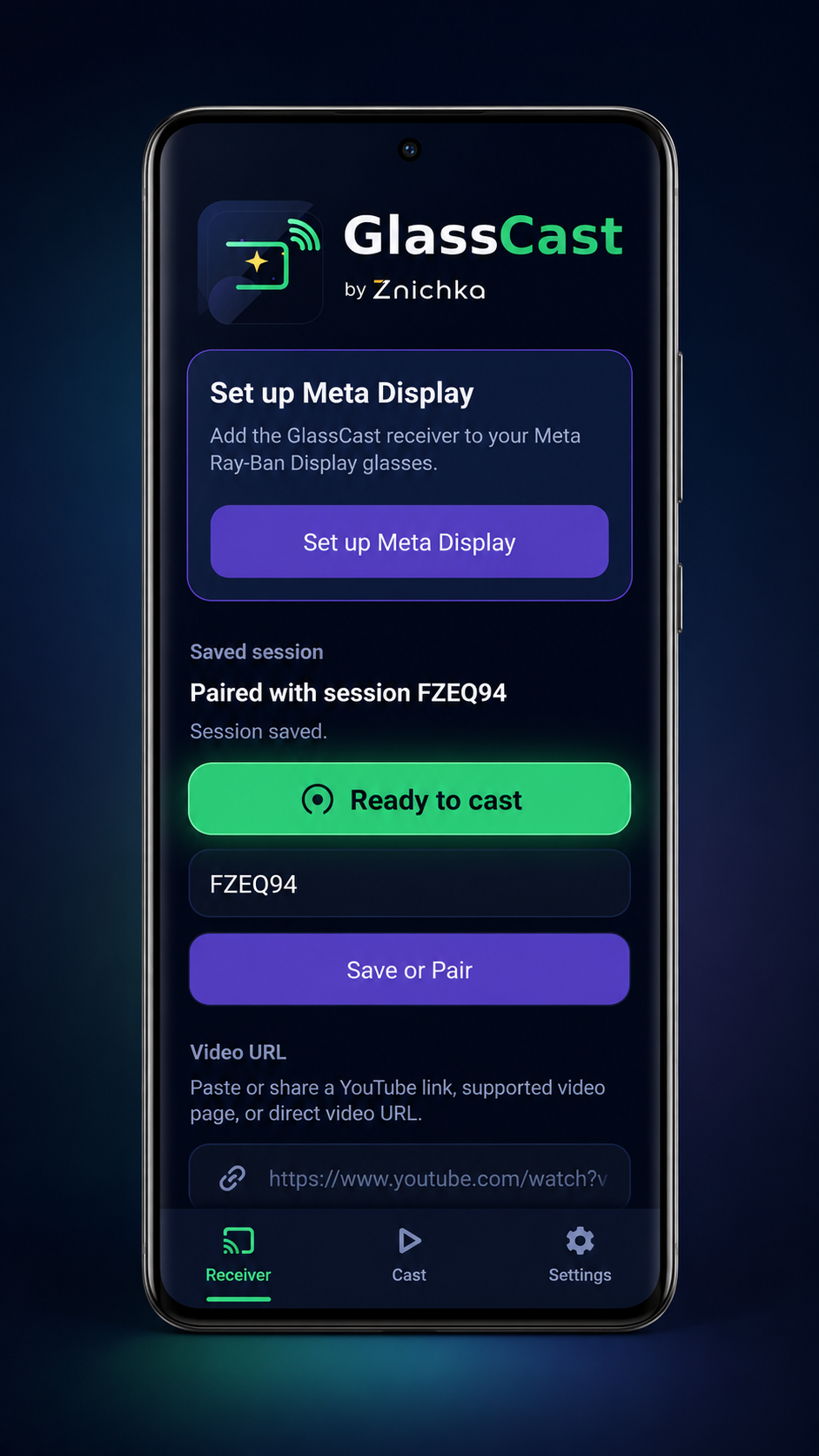
How GlassCast works
01
Open the receiver
Open the GlassCast receiver on your Meta Ray-Ban Display glasses.
02
Pair your phone
Enter the session code from the receiver into the GlassCast app.
03
Send a link
Paste or share a supported video link from your phone.
04
Control playback
Play, pause, stop, and seek from your phone when supported.
What GlassCast supports today
GlassCast v1 is focused on supported video links, simple pairing, and phone-based playback controls.
Supported in v1
- YouTube standard video links
- YouTube Live streams when embedding is allowed
- Dailymotion links
- Direct public video URLs where browser playback is supported
- Session pairing between the Android app and receiver
- Playback controls from the Android app when supported
Current limitations
- Local MP4 files, Photos app videos, and LAN casting are not included in v1
- Some sources may block playback or embedding
- Timeline controls may be limited on some videos
- Some public video URLs may behave differently depending on source permissions
GlassCast is an independent companion app and is not affiliated with or endorsed by Meta, YouTube, Google, Chromecast, or Dailymotion.
bottom of page